Used only for your preview
Your selfie is sent straight to generation and nothing else. No training, no ad profiles, no resale — ever.
One selfie, twelve styles, a photorealistic preview in seconds. Beardly renders any beard on your own face — so you know exactly how it looks before the first stroke of the razor.
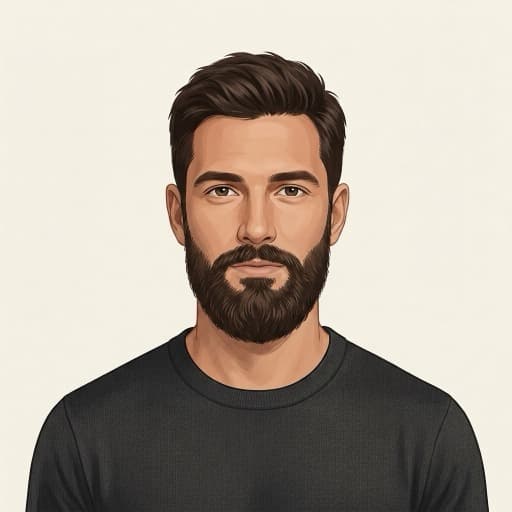 Full Beard · Grow
 Stubble
 Goatee
No sign-up, no learning curve. Beardly does one thing and does it fast — here's the whole flow.
Take a photo or pick one from your gallery, then square-crop to your face. That's the only input Beardly ever needs.




Choose from twelve barber-grade styles — Stubble to a full Garibaldi — in either Grow or Shape mode.
Our AI grows a photorealistic beard onto your face while keeping your identity intact — usually in just a few seconds.
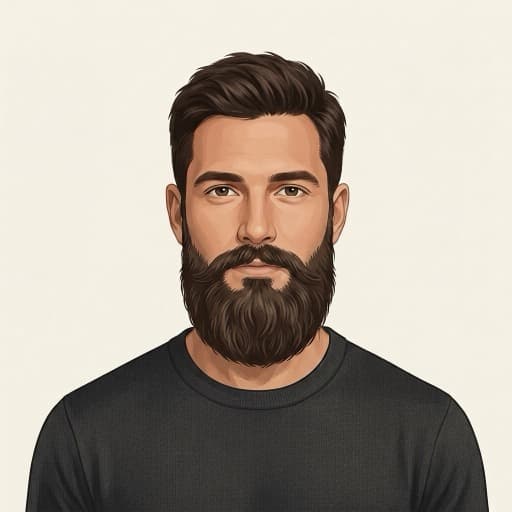
See the payoff, save it to your camera roll, share it with your barber — or tap to try another style instantly.
Every style previews in two modes, so Beardly meets you wherever your beard is today.
A target to grow into. Start clean-shaven or patchy? Grow mode renders the full style as a goal — so you can see where a few weeks of growth will take you before you commit.
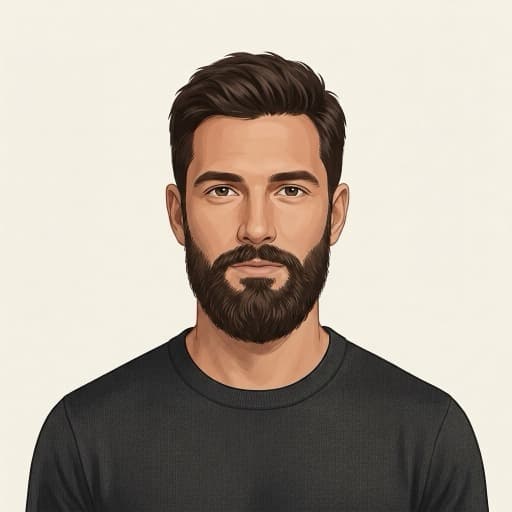 Grow mode
From neat stubble to a full Garibaldi — every style is rendered on your own face, not a stock model.
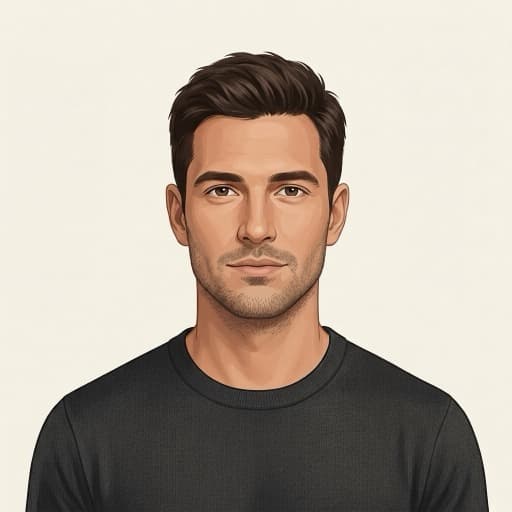
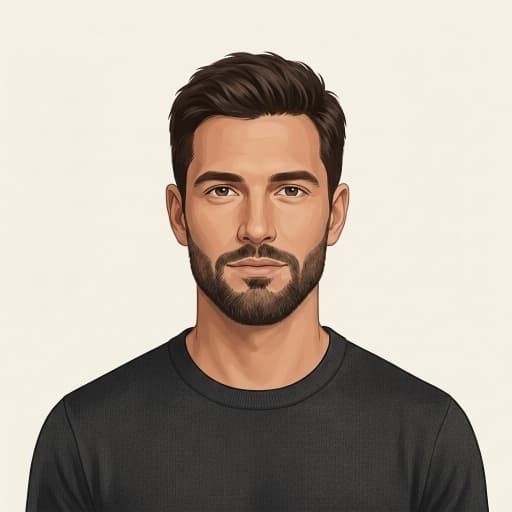
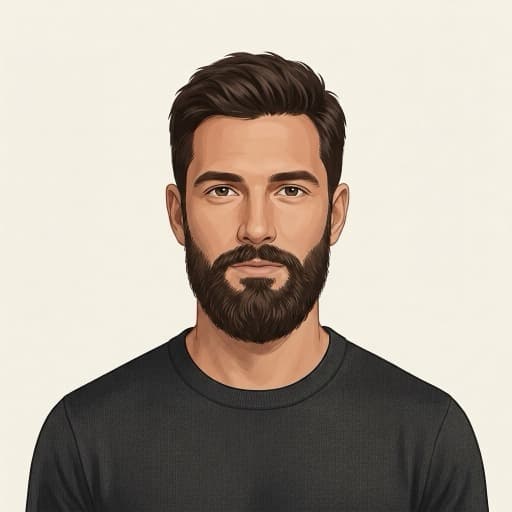
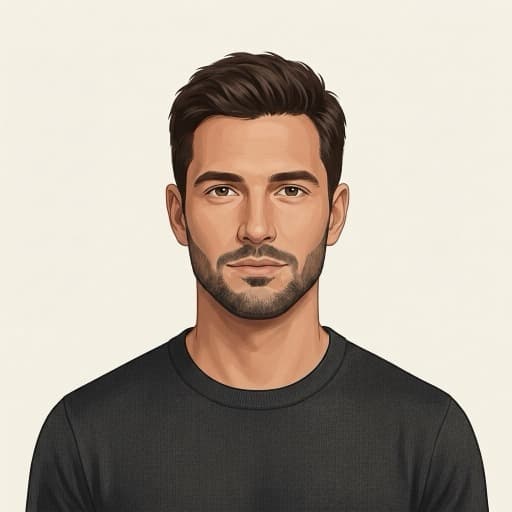


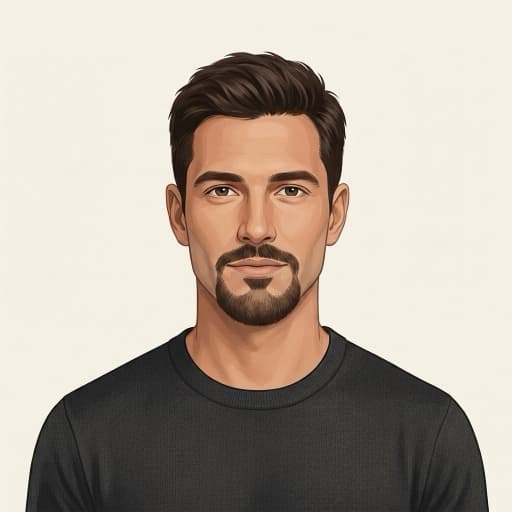

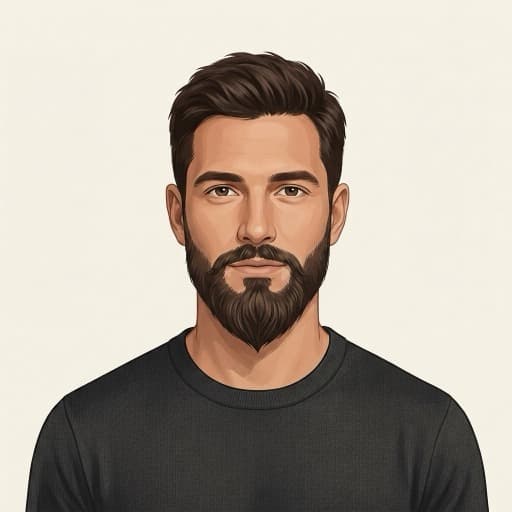
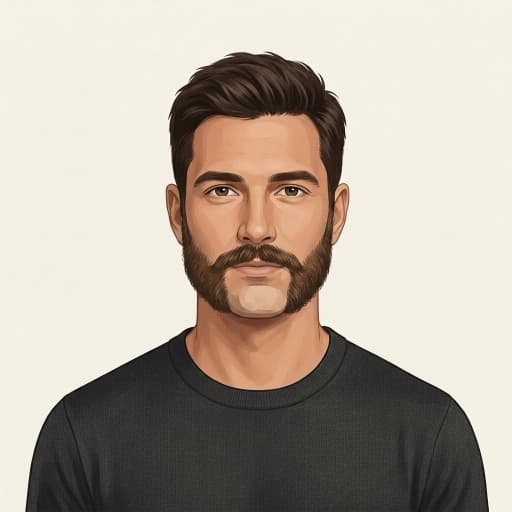

The input is a photo of your face — we treat that as the sensitive thing it is. Privacy isn't a settings page in Beardly, it's the architecture.
Your selfie is sent straight to generation and nothing else. No training, no ad profiles, no resale — ever.
Your photos are owner-scoped and locked down by server-side rules. No other user — and no marketer — can reach them.
One tap in Account wipes your photos, previews and account for good. Anonymous by default — no email required to start.
Grab a credit pack when you want a few looks, or go Pro if you're forever chasing the next style.
Try Beardly the moment you install — no account, no card.
Pay as you go. One credit renders one preview — they never expire.
For the serial re-stylers. A generous monthly allotment, one flat price.
Prices shown are launch examples and may vary by region and store.
Everything you need to know before your first preview.
Beardly is an AI app that shows you a photorealistic preview of yourself with a beard before you grow it. You upload one selfie, pick a style, and Beardly renders that beard onto your own face — so you can decide how it looks before the first stroke of the razor.
Three steps: snap or pick a selfie and square-crop to your face, choose one of twelve styles in Grow or Shape mode, and Beardly's AI renders a photorealistic beard onto your face — usually in just a few seconds. Then you can save it, share it with your barber, or try another style.
Yes — you get 3 free previews the moment you install, with no account and no card required. After that you can buy pay-as-you-go credit packs (1 credit = 1 preview, they never expire) or subscribe to Beardly Pro for a generous monthly allotment.
Twelve barber-grade styles: Stubble, Short Boxed, Full Beard, Corporate, Goatee, Van Dyke, Circle Beard, Balbo, Ducktail, Garibaldi, Mutton Chops and Extended Goatee. Every style can be previewed in two modes — Grow and Shape.
Grow mode renders the full style as a target to grow into — ideal if you're clean-shaven or patchy and want to see where a few weeks of growth will take you. Shape mode re-grooms only the length you already have, so you can preview a cleaner line, a tighter fade or a new silhouette from your current beard.
Yes. Beardly is available on both iOS and Android. It's free to download and comes with 3 free previews to start.
Your selfie is sent straight to generation and nothing else — no training, no ad profiles, no resale. Photos are owner-scoped and locked down by server-side rules, so no other user or marketer can reach them. Beardly is anonymous by default (no email needed to start), and one tap in Account wipes your photos, previews and account for good.
Previews are free to start (3 on install). After that, credit packs begin at $4.99 for 10 previews, with larger packs of 30 or 100, and every credit renders one preview and never expires. If a render fails you're auto-refunded the credit. Beardly Pro offers up to 100 previews a month on monthly, yearly or lifetime plans. Prices are launch examples and may vary by region and store.